Features
Radio, music, Phone, Navigation, Sound, Compass, Trip and OBD in the RC1 interface.
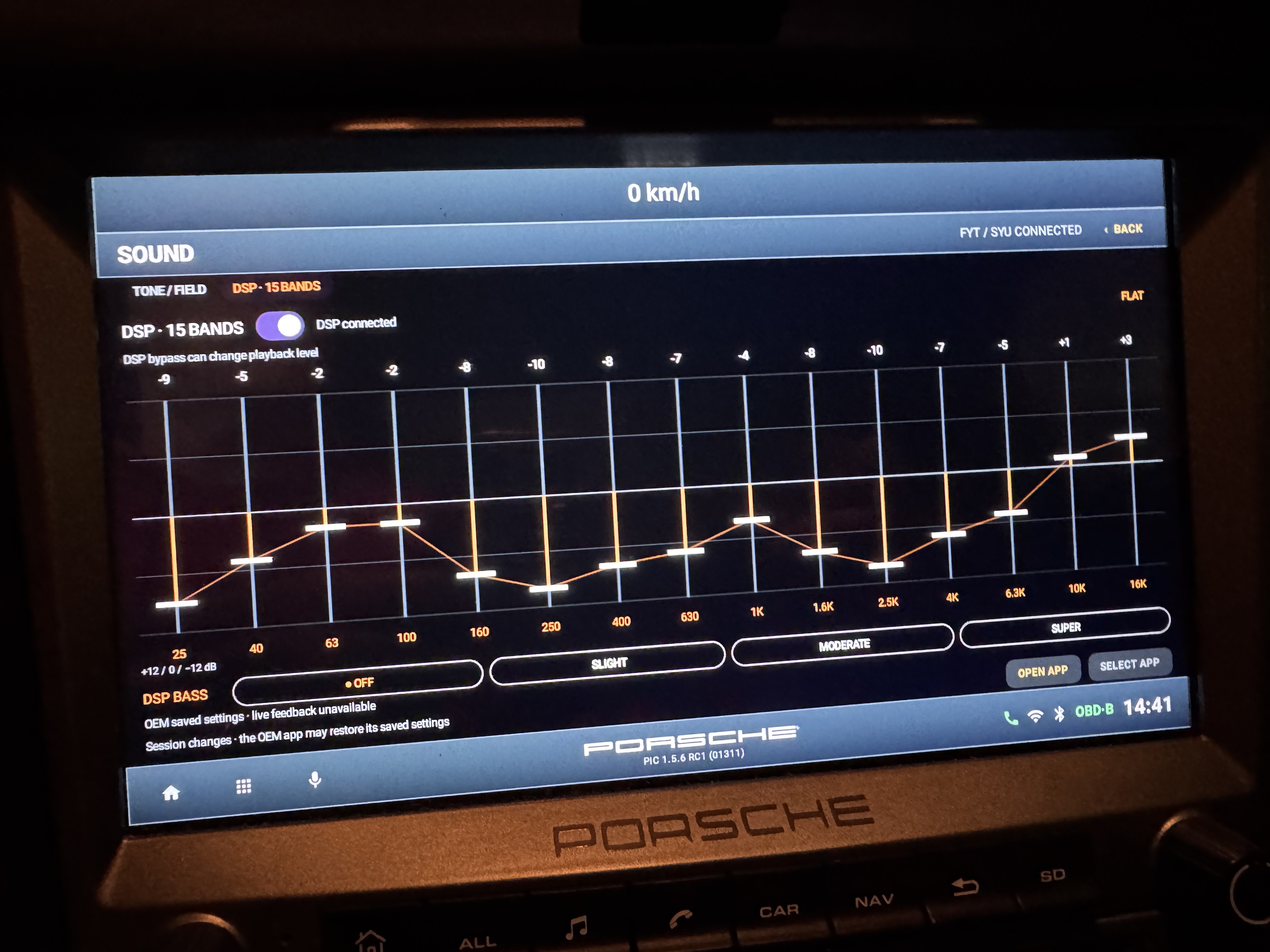
The Sound photographs show PIC RC1 on a real in-car FYT/SYU head unit. Other application captures are emulator demonstrations with illustrative data. Compatibility depends on the exact installation.
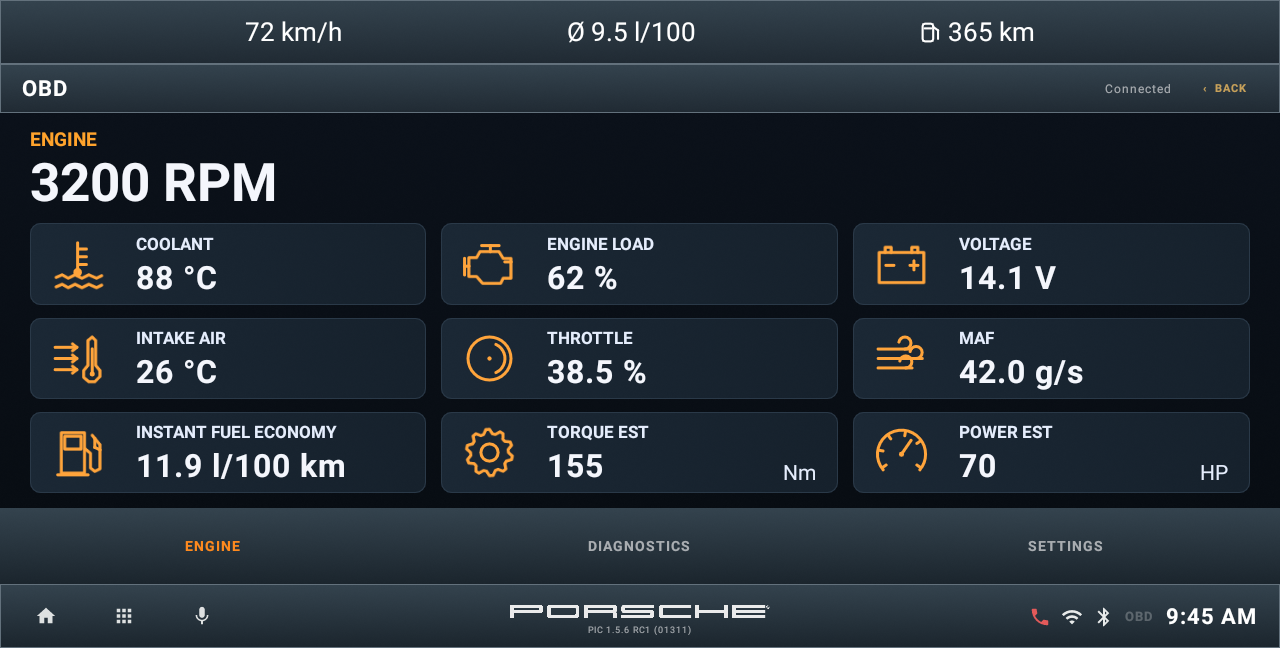
Radio and presets
Use the tuner controls exposed by the selected provider, then recall or store frequencies in Presets. RDS names and station information depend on reception and the backend. A screenshot is not a reception test.
Read the full RC1 guide ↗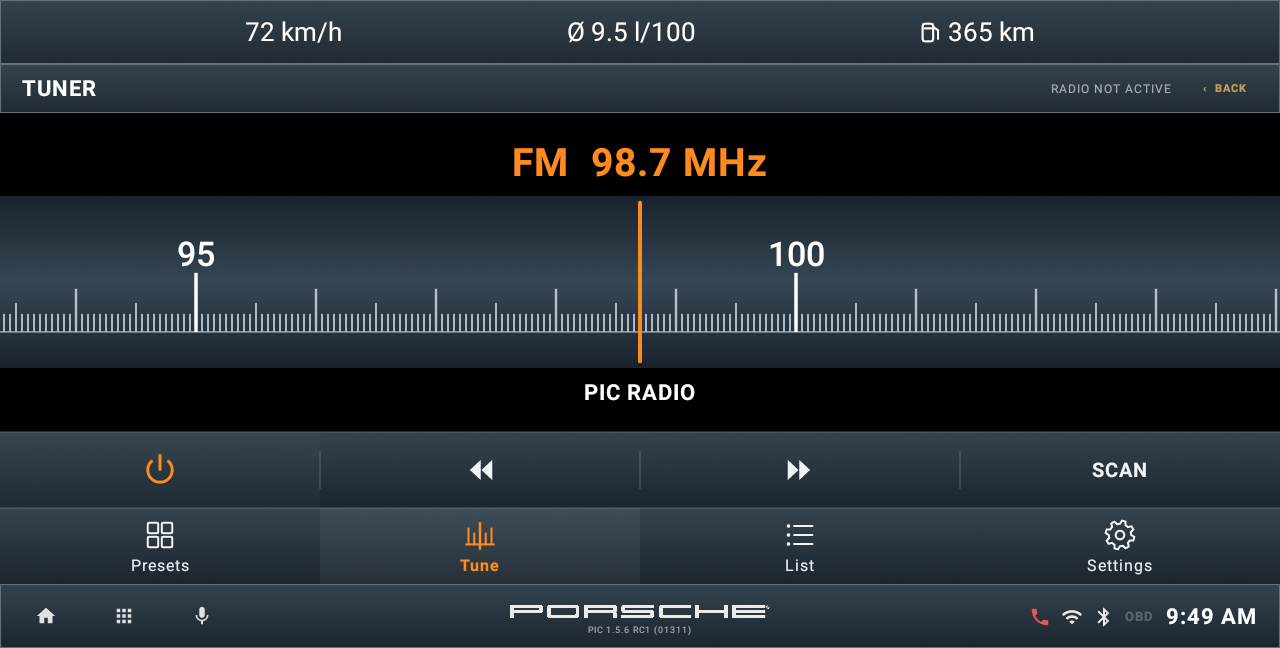
Your music, your source.
Browse music on local or accessible USB storage, rescan after adding files, and use playback, queue, shuffle and repeat controls. Bluetooth media uses the phone and head-unit stack; track information and artwork depend on what they expose.
Read the full RC1 guide ↗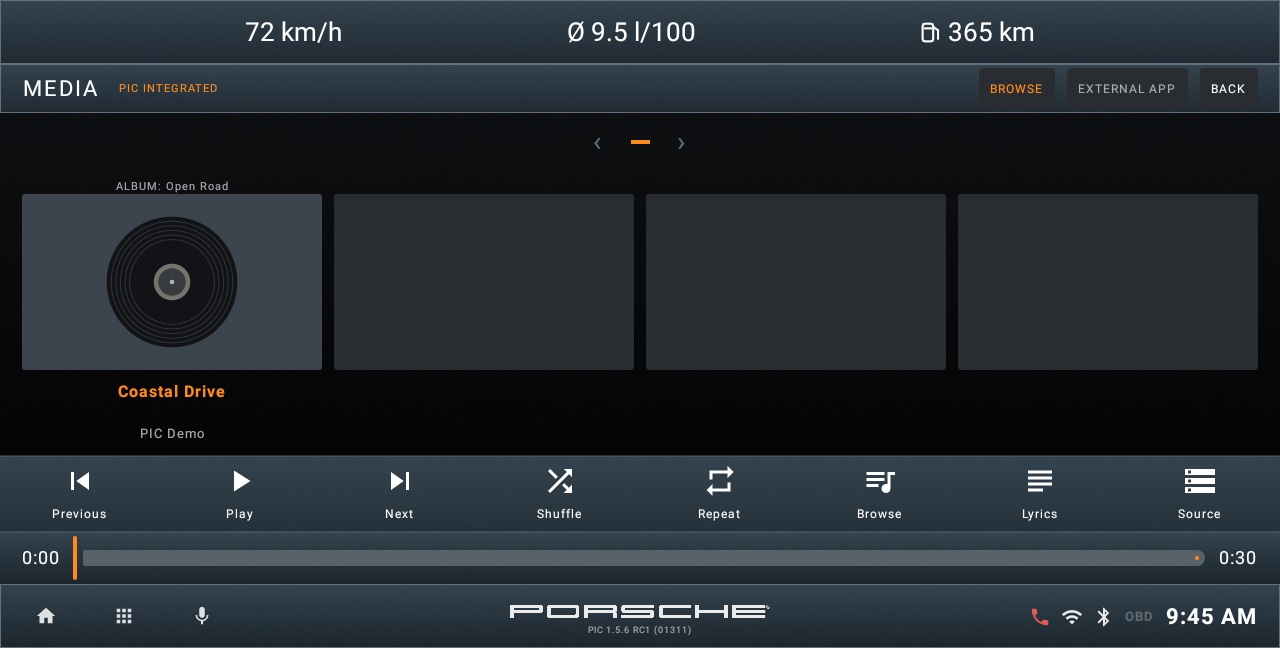
Keep the connection clear.
Use Keypad, Calls, Contacts and Bluetooth pages. Pair in the native HU settings and grant the required sharing permissions. Private firmware phonebooks may not be readable by PIC.
Read the full RC1 guide ↗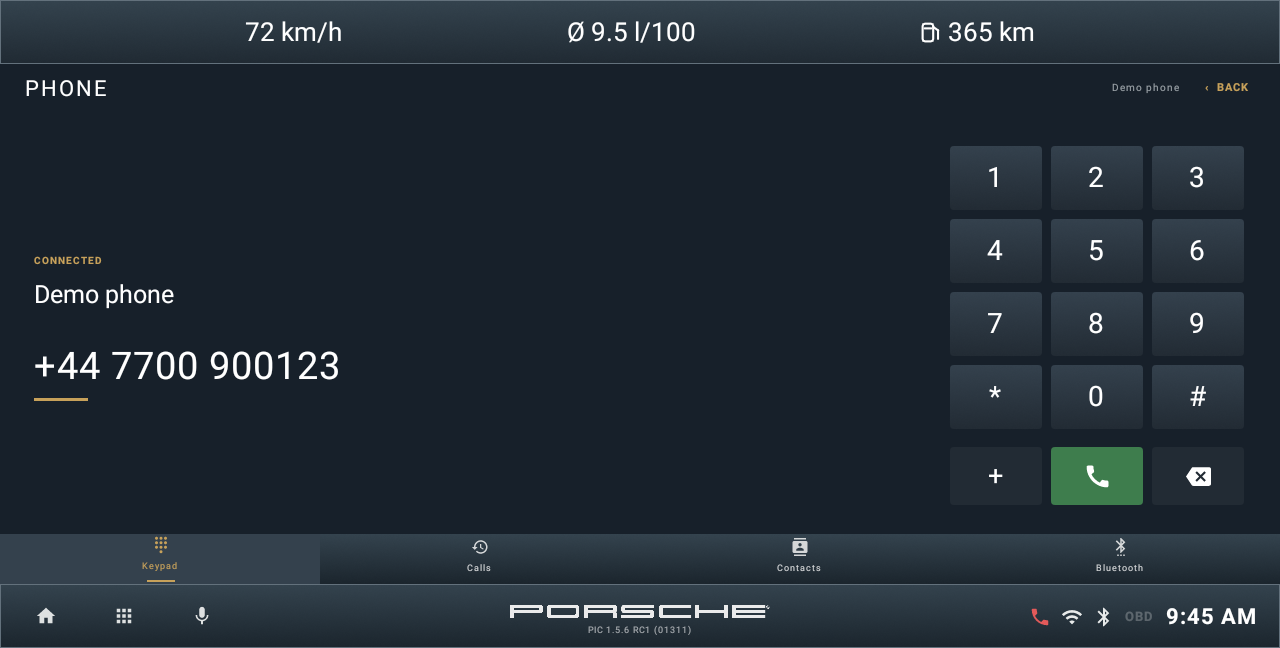
Find your way.
Use position, zoom and orientation controls. Destination search and routing depend on configured services and resources. Offline map display and offline routing have separate requirements.
Read the full RC1 guide ↗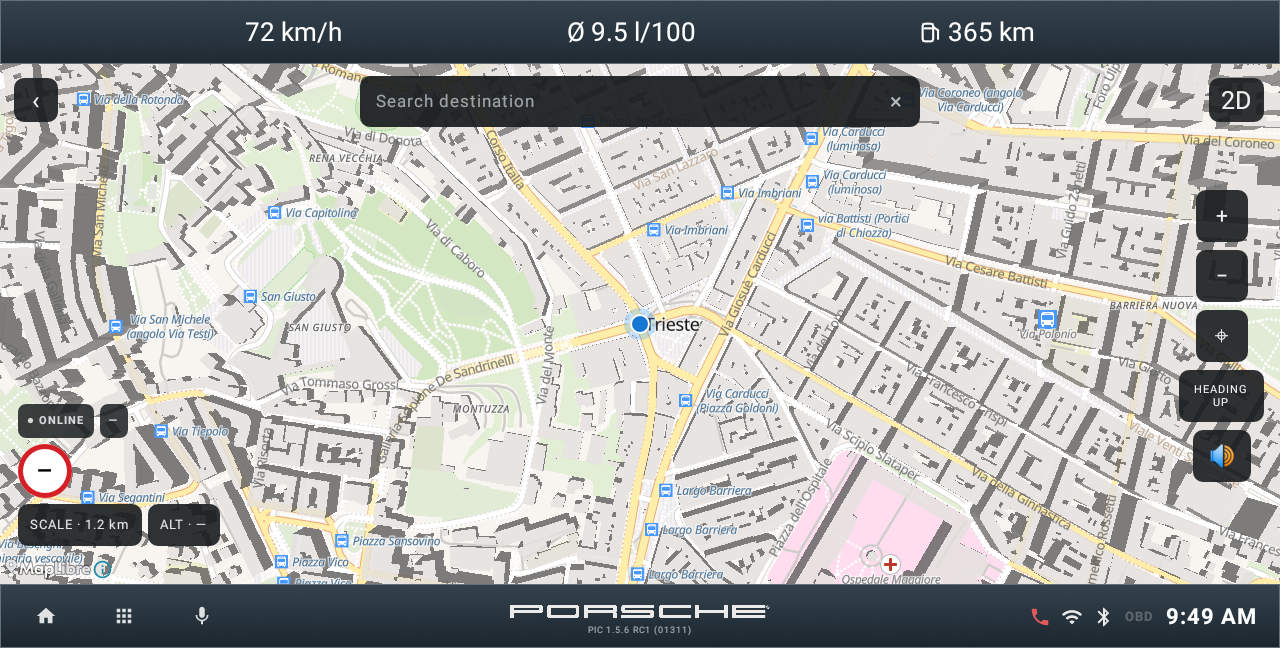
Tone, field and DSP.
Use tone presets, Bass/Treble and the sound-field controls that the backend exposes. A separate 15-band DSP panel offers a flat curve and DSP bass options where supported. PIC cannot create an audio processor on an unsupported unit.
Read the full RC1 guide ↗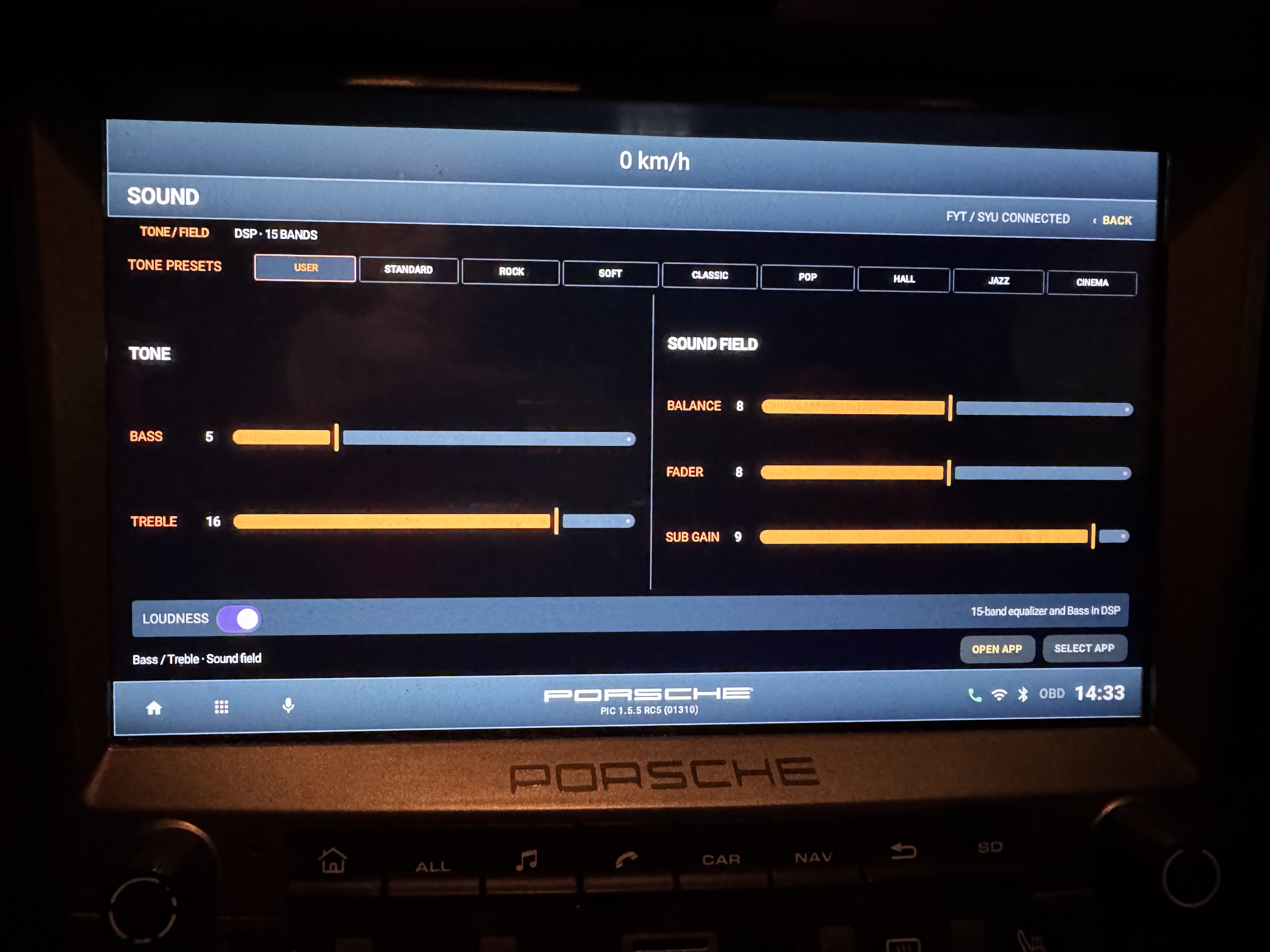
A sense of direction.
View bearing, position and available address information. A heading needs a usable source; GPS and address lookup availability vary with reception, permissions and connectivity.
Read the full RC1 guide ↗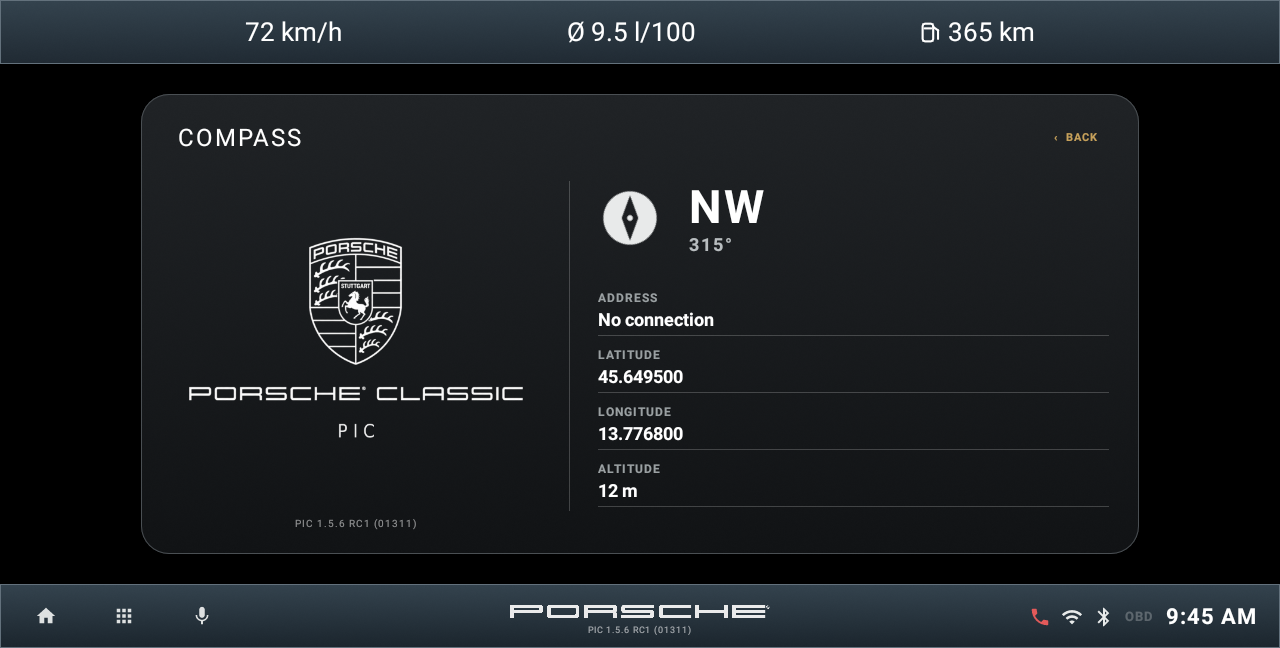
Follow the journey.
Journey and Total keep separate statistics. Last Drive and Fuel History use saved records; Chrono includes timing and the available G meter. Fuel level and range are estimates, with a separate virtual fuel configuration.
Read the full RC1 guide ↗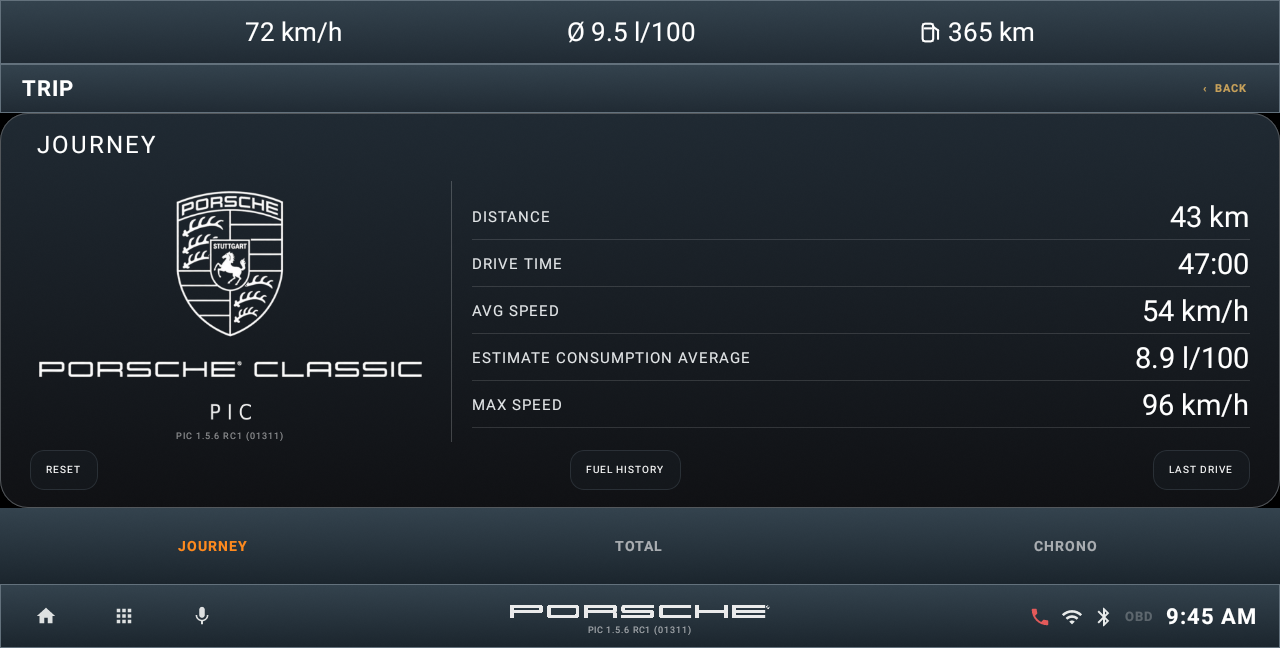
Understand the available data.
Optional Bluetooth or Wi-Fi OBD connectivity can supply live Engine data and diagnostic codes. The ECU and adapter determine which measurements are available. N/A is not zero. Torque EST and Power EST are approximations, not dyno results.
Read the full RC1 guide ↗