Discover before assigning
First-run discovery identifies the platform and exposed capabilities. Review providers in Settings > Application integrations. Detection, usable access and integrated control are different things.
Classic and Modern Home, native app access and integrated functions in PIC 1.5.6 RC1 Sebring.
PIC brings the frequently used functions of a compatible FYT/SYU Android head unit into a consistent interface. Native apps and installed providers remain part of the system, with clear assignments and access when needed.
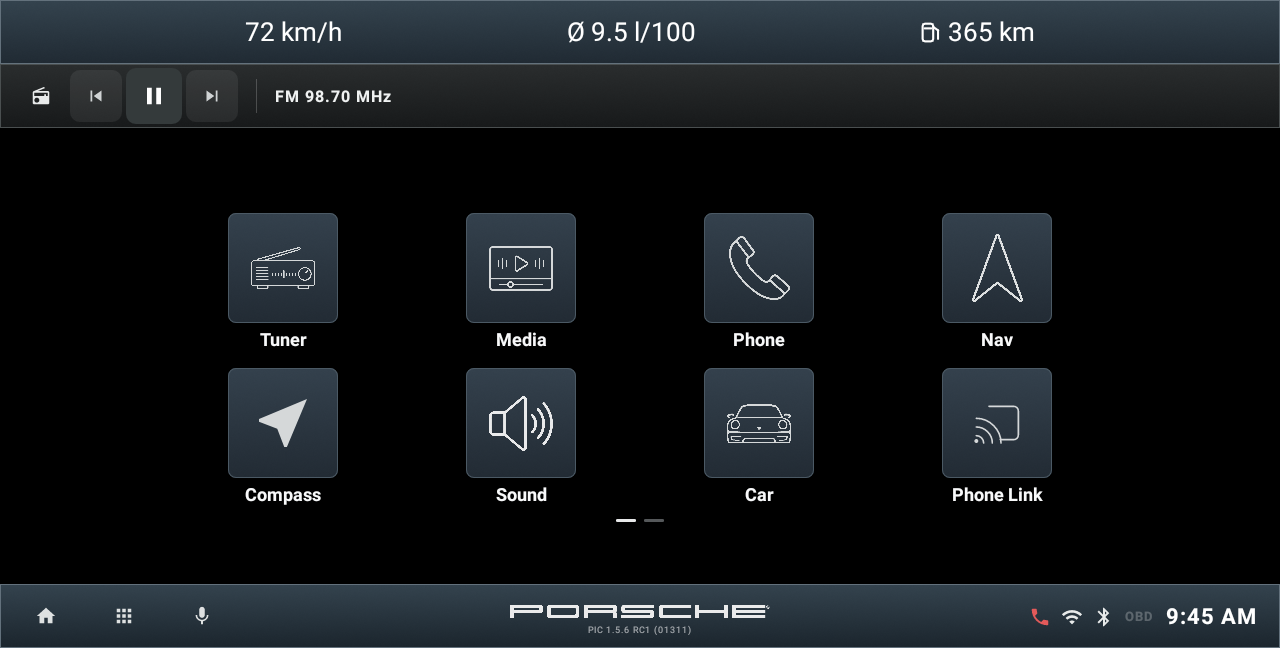
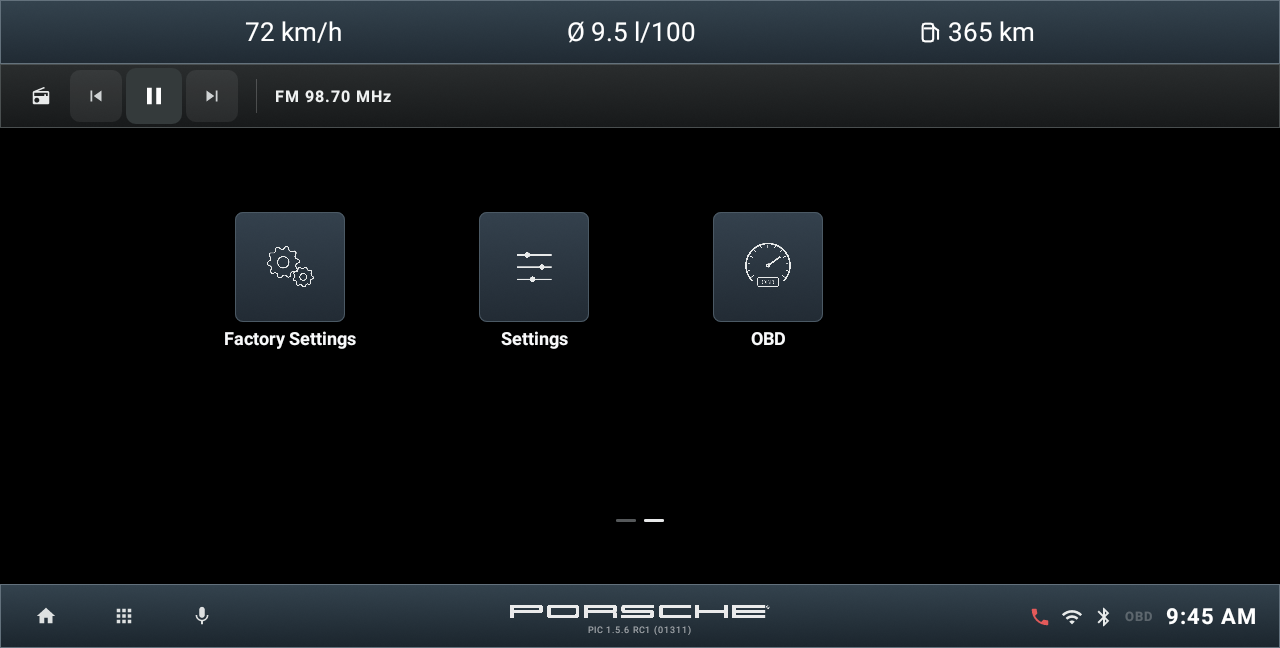
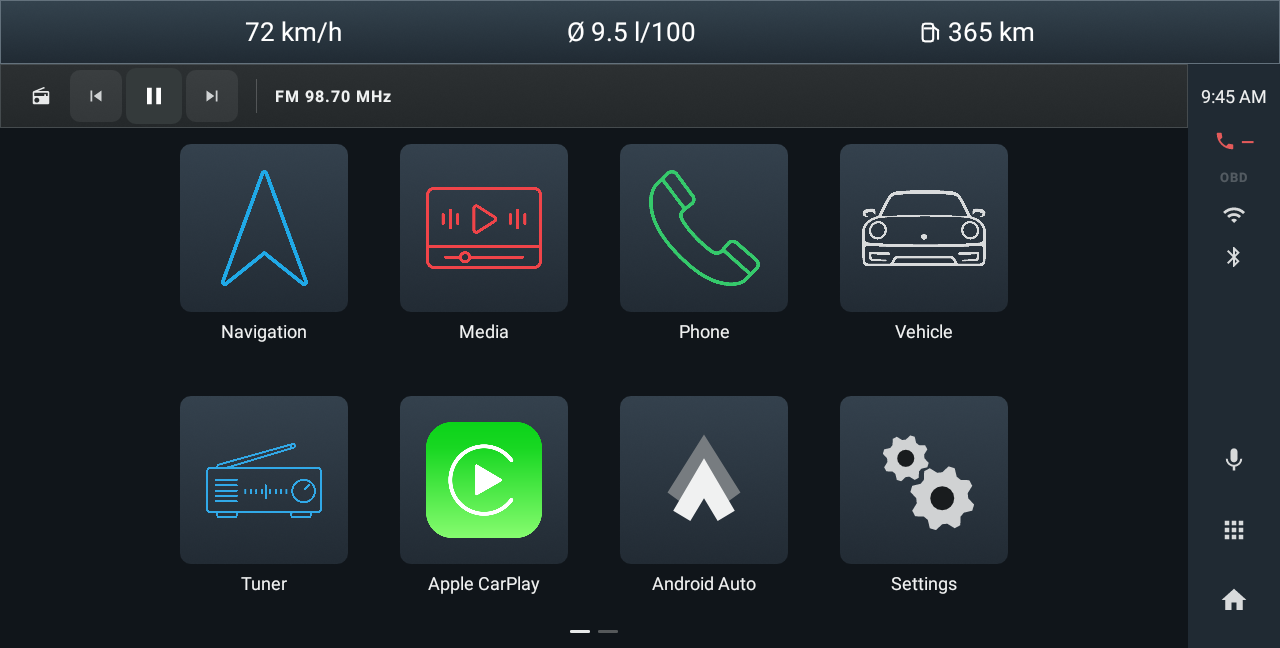
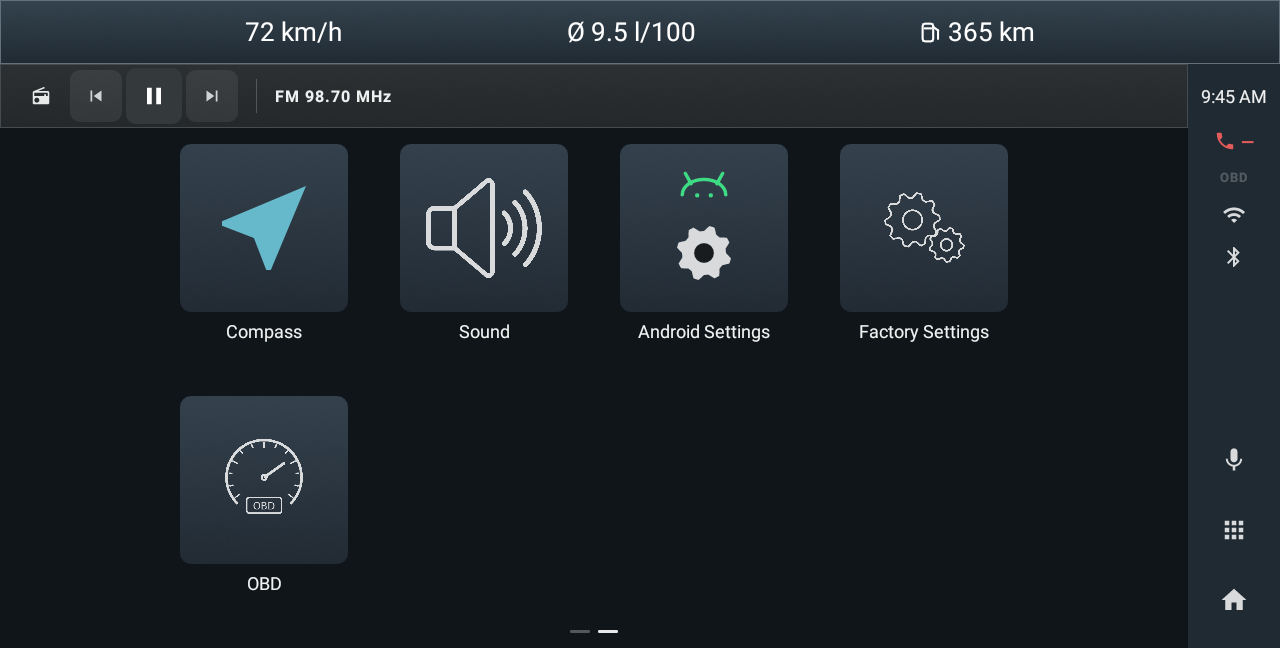
Swipe between pages. Use Home to return to the launcher and the app grid to browse installed applications. Long press a mappable tile to change its assignment. Switch layouts in Settings > Home style without resetting your Trip records.
First-run discovery identifies the platform and exposed capabilities. Review providers in Settings > Application integrations. Detection, usable access and integrated control are different things.
Apple CarPlay and Android Auto tiles launch an installed compatible projection provider. PIC does not supply a projection receiver by itself.
The selected Porsche profile supplies calculation assumptions for Trip, Range and estimated Engine values. It does not reprogram the car’s ECU.
Classic and Modern reference the visual approaches associated with different PCCM Plus generations. PIC is independently developed by CHAPIN Software and is not affiliated with Porsche AG.