CHAPIN SOFTWARE / PIC
Installing PIC
Install an official APK on a compatible head unit, then complete the first-run setup.
INSTALLATION
USB → head unit → APK.
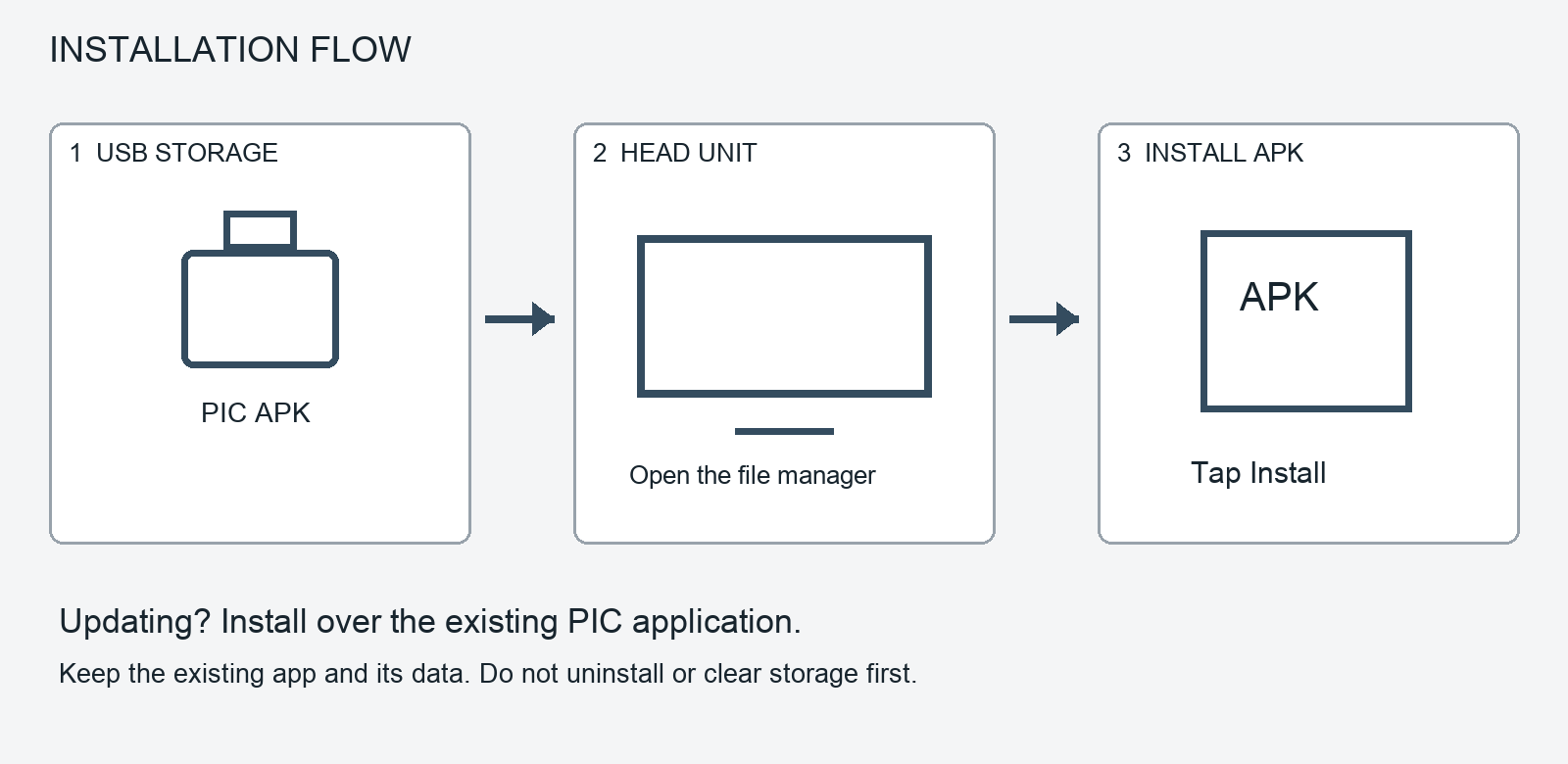
Prepare the file
Choose the intended release on the Download page. Copy its APK to a USB drive or other accessible storage.
Open the APK
Insert the drive in the HU, open the Android file manager, and locate the APK. Allow that file manager to install applications if Android asks.
Install PIC
Follow the Android installer. For an update, install over the existing app; do not uninstall or clear storage first.
Verify and continue
Open Settings > About. For the current candidate, check PIC 1.5.6 RC1 (01311), build 1311, Sebring. A fresh installation starts the setup wizard.